Tracking with the App
The SailingMetrics app records your GPS track, boat sensors, and optional video while you're on the water, then saves everything to your device so you can review or upload it later — even if you never had a signal out there. This page covers the recording flow itself; for what happens once a session is uploaded, see Uploading Sessions and The Analysis View.
Starting a session
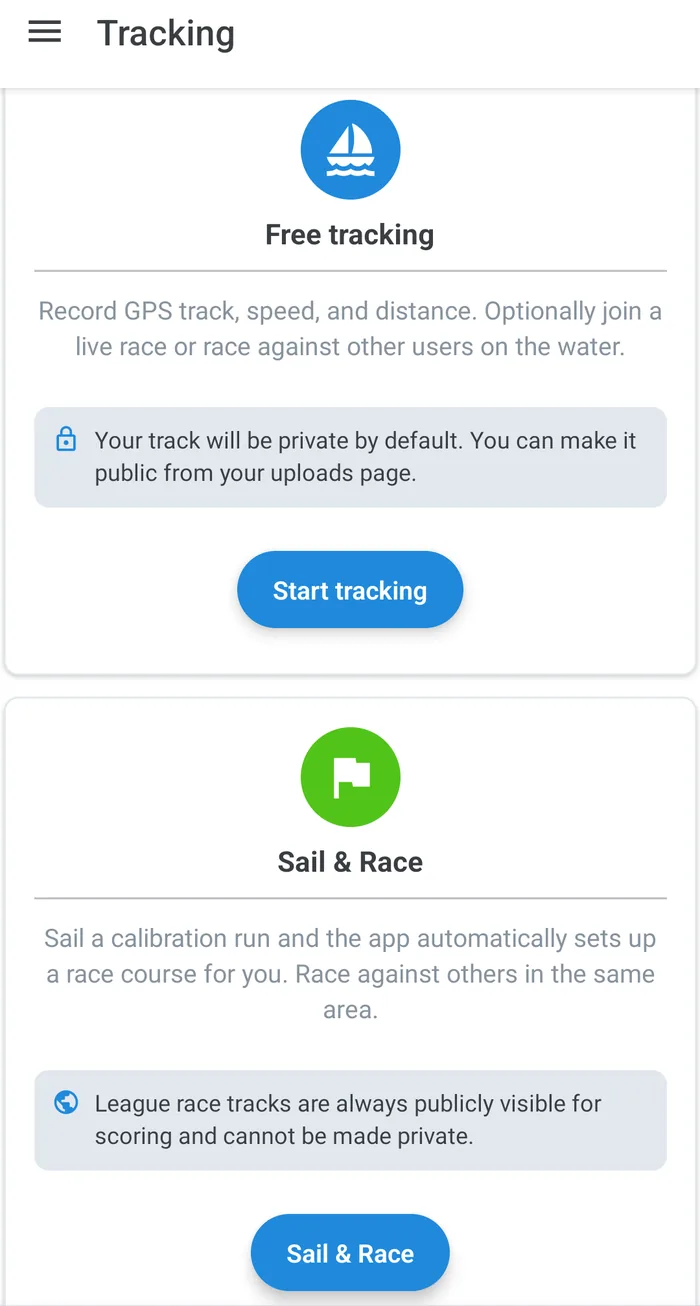
From the tracking screen, you can start a session in two ways:
- Free tracking — records your GPS track, speed, and distance. You can optionally join a live race or race against other users on the water while recording.
- Sail & Race — sail a short calibration run and the app automatically sets up a race course for you, letting you race against others sailing in the same area. Tracks recorded this way are always publicly visible, since they're used for scoring.
If you've already recorded a session with a GPS watch or another app, use "Upload existing file" instead — see Uploading Sessions.
What gets recorded
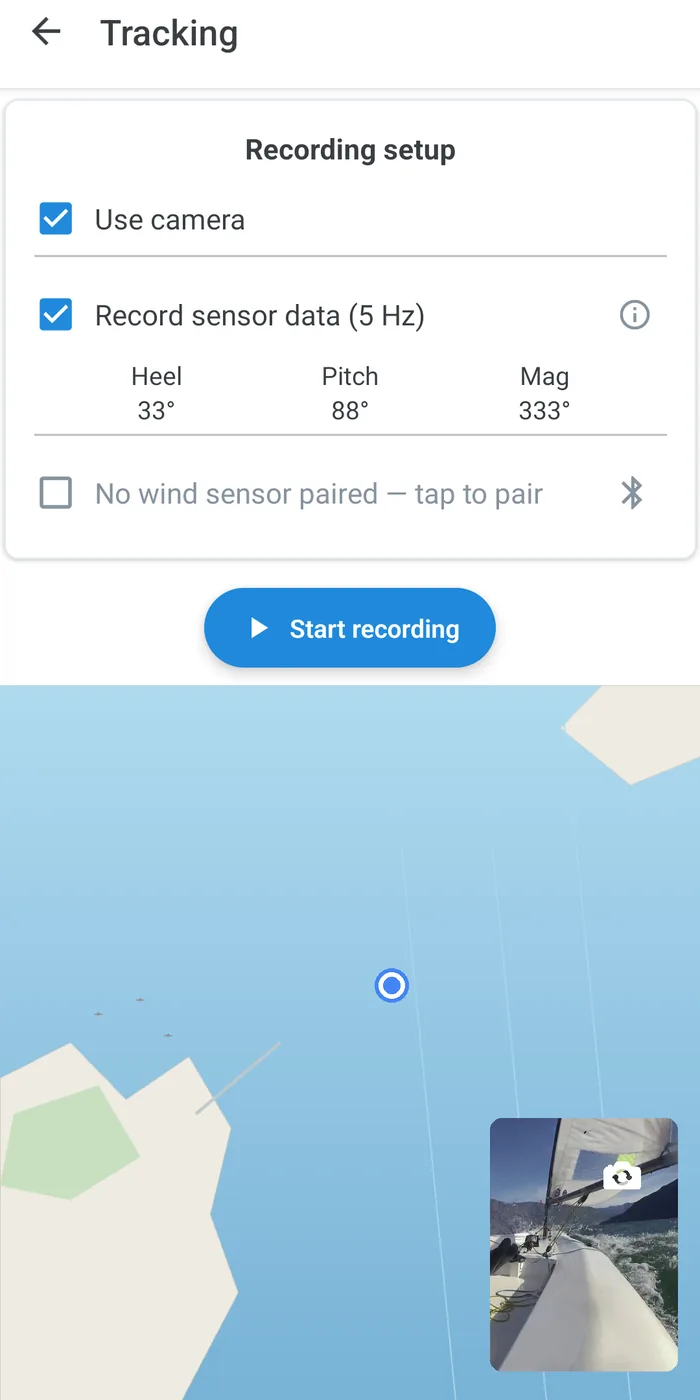
While a session is running, the app continuously logs:
- GPS track — position, speed over ground, and course over ground, recorded even while the app is in the background or your phone is locked.
- Heel and pitch — from the phone's accelerometer.
- Compass heading — from the phone's magnetometer, with an on-screen rotate option if the phone is mounted upside-down or at an unusual angle.
- Wind speed and direction — if you connect a BLE wind sensor before starting.
A live map shows your track as it's recorded, along with real-time sensor readings. Sensor sample rate, GPS accuracy, and compass/heel calibration offsets can all be tuned from the app's settings if the defaults don't suit your boat or mounting position.
Recording video
You can record video alongside the GPS track using the phone's camera, switching between front and back cameras during the session. If recording is interrupted — for example by the camera being submerged momentarily on some phones — the app automatically restarts it and stitches the resulting clips into segments, so you don't lose the rest of the session.
Stopping and reviewing
When you stop a session, it's saved straight to your device's local Recordings list — nothing is sent to your account automatically. Recordings that haven't been uploaded yet are flagged with a warning stripe in the list. Open one to see its duration, distance, and whether it has usable wind sensor data, then tap "Upload to your account for analysis" when you're ready to send it — see Uploading Sessions for what happens next. Because everything is stored locally first, you can record a full session with no signal at all and upload it once you're back in range.
Visibility
Free tracking sessions are publicly visible to all visitors by default. Pro accounts get the opposite default — private, visible only to you — and can make individual sessions public afterward from the uploads page. Sail & Race tracks are always public, since they feed into race scoring.
Related features
- Training Mode — a Pro feature that adds live, spoken coaching commentary on top of the same recording pipeline described here.
- Live Metrics — a real-time dashboard of VMG, SOG, heading, and heel while you sail, with optional audio announcements.